First run
From a fresh install to a wallpaper on screen and a playlist rotating by itself. You need Waypaper Engine (Install) and one backend on your PATH: awww on Wayland, feh on X11.
Open Waypaper Engine from your launcher, or run
waypaper-engine. The daemon starts with it and keeps running after you close the window.Open Settings (bottom of the left sidebar), Backend tab, and check your backend is active. Or from a terminal:
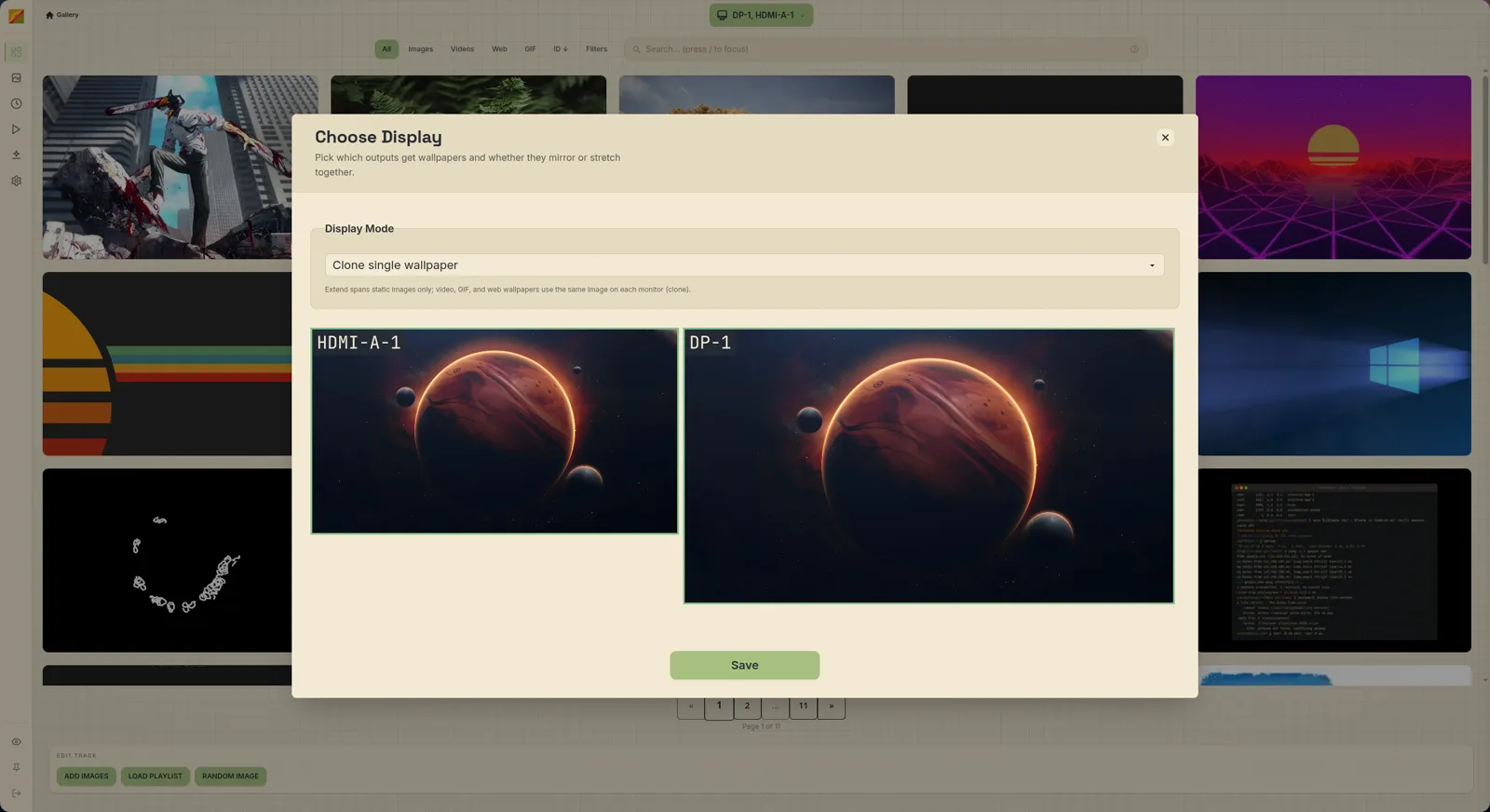
shwaypaper-daemon backends # list them waypaper-daemon backends activate feh # switchClick Select Display in the top bar, pick your monitor(s) and a Display Mode, then Save. See Displays.
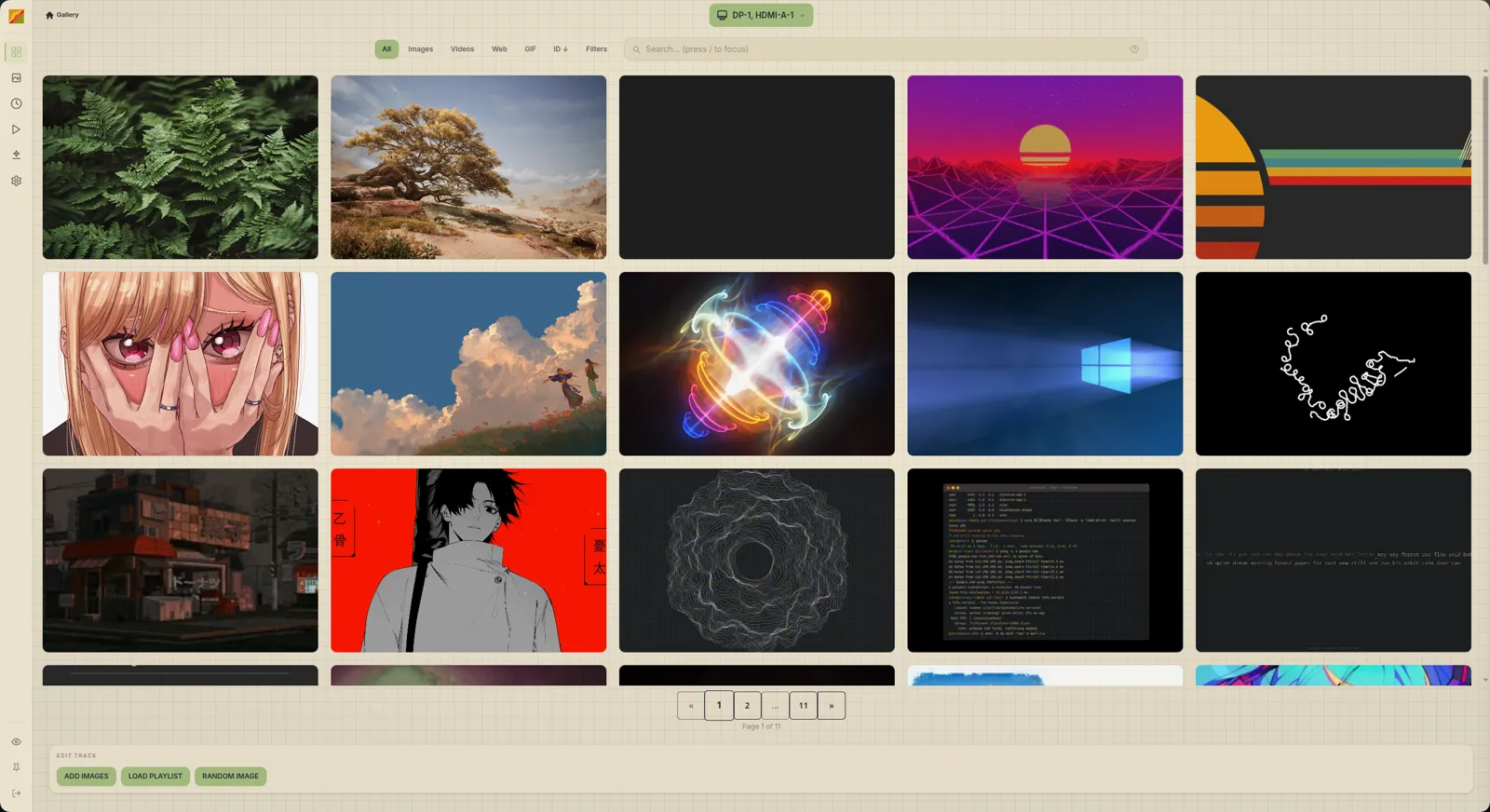
Drag images, videos or folders onto the window, or use the import cards in the gallery.
Videos need ffmpeg
Video import fails unless
ffmpegandffprobeare installed.Double-click a card to set it as your wallpaper.
Tick the checkbox on several cards to add them to the playlist track at the bottom, then hit Configure and pick a timer, time of day, day of week or manual.
Hit Save, name it, and confirm. The playlist starts on the displays you selected in step 3.
Done. Close the window and it keeps rotating.
Next: Gallery, Playlists, Scripting & hooks. If something didn't work, see Troubleshooting.