Scripting & hooks
waypaper-daemon is a full CLI, so keybinds and scripts can drive wallpapers without the GUI. The daemon also streams an event whenever the wallpaper changes, which is how you re-theme the rest of your desktop.
The CLI talks to a running daemon over its Unix socket. If it isn't up, commands fail with "daemon not reachable". The GUI starts it for you; otherwise start it from your compositor config (see Keybinds).
Run a script on every wallpaper change
There's no on_change config option. waypaper-daemon events prints each event as one JSON line, so a hook is a loop over that output:
waypaper-daemon events --types wallpaper_changedUseful fields in data: path (the file; for a web wallpaper, its entry HTML), media_type (image, video or web; check it before feeding path to a colour tool), colors (the gallery palette, if it has one), monitors, mode, source and backend. Full payloads in Events, flags in the CLI reference.
pywal
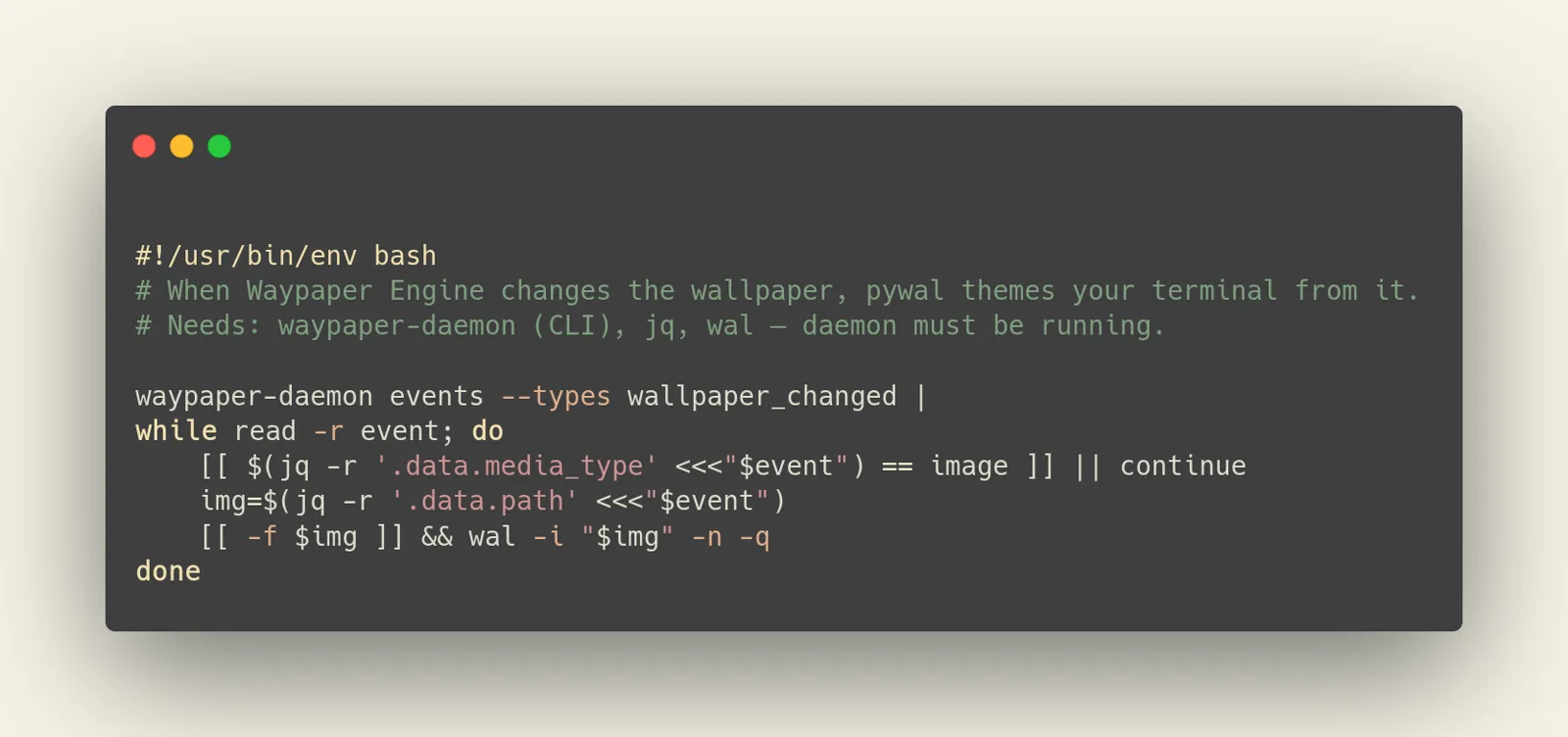
Needs jq and wal. -n stops pywal setting the wallpaper itself, -q keeps it quiet.
#!/usr/bin/env bash
waypaper-daemon events --types wallpaper_changed |
while read -r event; do
	[[ $(jq -r '.data.media_type' <<<"$event") == image ]] || continue
	img=$(jq -r '.data.path' <<<"$event")
	[[ -f $img ]] && wal -i "$img" -n -q
done
wallust and matugen
Same loop, swap the line inside it (third-party tools, so check --help for your version):
[[ -f $img ]] && wallust run "$img"
[[ -f $img ]] && matugen image "$img"
Keep it running
events exits when the daemon goes away, and errors straight away if it isn't up yet. Wrap the loop in a retry and start it from your compositor config:
#!/usr/bin/env bash
while true; do
	waypaper-daemon events --types wallpaper_changed |
	while read -r event; do
		[[ $(jq -r '.data.media_type' <<<"$event") == image ]] || continue
		wal -i "$(jq -r '.data.path' <<<"$event")" -n -q
	done
	sleep 2
done# Hyprland
exec-once = ~/.config/waypaper-hooks/retheme.shA slow tool blocks the loop and events queue behind it; run the heavy part with & if you change wallpapers a lot.
Raw SSE
events wraps GET /events, a Server-Sent Events stream, so curl works too (leave off ?types= for everything):
curl -sN --unix-socket "$XDG_RUNTIME_DIR/waypaper-engine.sock" \
  "http://localhost/events?types=wallpaper_changed"
Keybinds
Autostart the daemon, then bind the commands you want:
# Hyprland (hyprland.conf)
exec-once = waypaper-daemon start

bind = SUPER, W, exec, waypaper-daemon random
bind = SUPER SHIFT, W, exec, waypaper-daemon wallpaper random --monitor DP-1
bind = SUPER, bracketright, exec, waypaper-daemon next
bind = SUPER, bracketleft, exec, waypaper-daemon previous
bind = SUPER, P, exec, waypaper-daemon playlist next-all# sway (config)
exec waypaper-daemon start
bindsym $mod+w exec waypaper-daemon random
bindsym $mod+bracketright exec waypaper-daemon nextrandom,next,previousandset <image-id>are shortcuts for thewallpapersubcommands.nextandpreviouswalk your wallpaper history; they don't advance a playlist (useplaylist next-all, see Playlists).randomandsettake--monitor/-m(default*) and--mode(individual,cloneorextend).waypaper-daemon images listfinds image IDs.wallpaper currentprints the current state as JSON, and the global--jsonflag gives compact output.
Bind does nothing?
Compositors run exec with their own environment. Use the full path (~/.local/bin/waypaper-daemon) and check waypaper-daemon status.
Building against the HTTP API directly? Start with the API reference.